Learn how to use the Cricut vinyl cutter and Design Space studio, including how to import files, when to use weld vs unite, and more. We’ll make some vinyl stickers during our class. If you have a Cricut and laptop, feel free to bring it along! Otherwise, we’ll use the larger Cricut Venture at the makerspace
Pricing
Guest Registration
$20
Member Registration
Free
Prerequisites: None
What you’ll learn
We’ll go over the basics of the Cricut Design Space software, including setting it up and making your first design. We’ll go over the different commands, loading your own files, materials to use, and basics for cutting and weeding. You should leave with a few vinyl stickers, and the knowledge to start experimenting with a Cricut cutter!
Materials
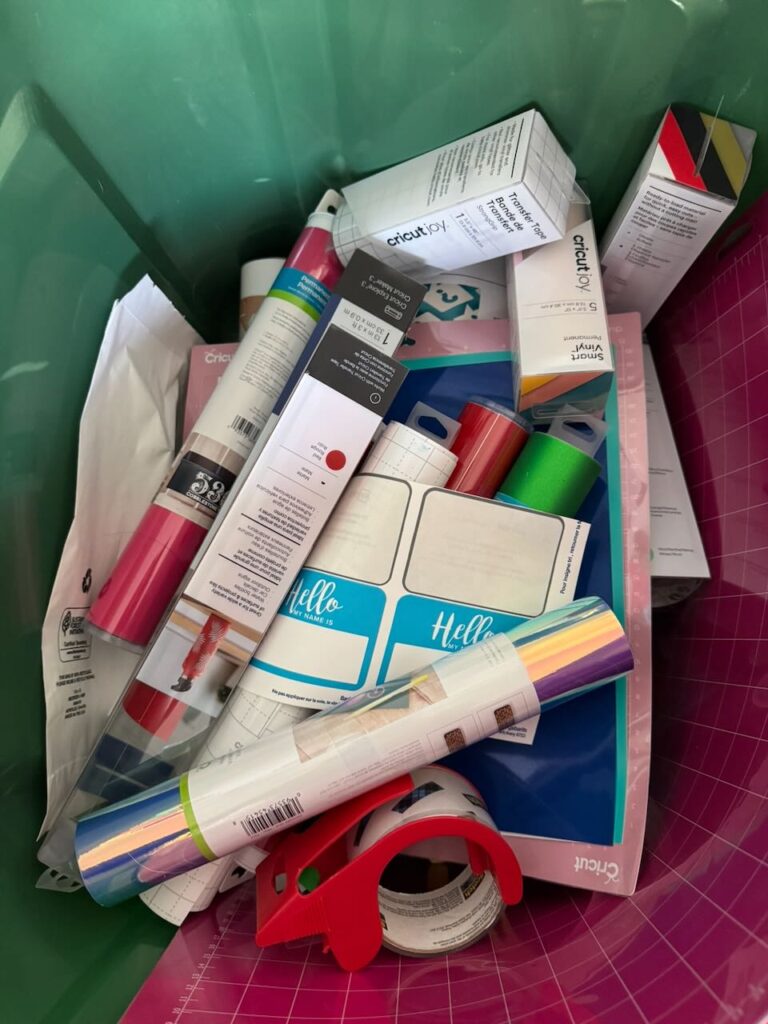
If you have a Cricut of your own, bring it along! Otherwise, it’s helpful to bring your laptop or a tablet, loaded with Cricut’s Design Space software. We’ll have some removable and permanent vinyl for stickers.
Class Policies
- Ages 14 and up welcome
- No specific requirements around clothing or safety items needed
About the instructor
Mark Zocher
Mark is a recovering IT professional, who loves the intersections of art and technology. When he’s not handling day-to-day makerspace needs as the President/Chair of Winona Creators Collective, he spends time watching bad British panel shows.